When a customer hands their damaged smartphone across your service counter, they are not just handing over hardware. They are entrusting your shop with their daily work tool, their primary camera, their two-factor authentication tokens, and their mobile banking access. For the customer, that handoff is filled with anxiety. For an unprepared service center, it is a high-risk transaction where unnoted scratches become furious arguments, untracked parts eat into margins, and endless "Is my phone ready yet?" phone calls pull technicians away from the workbench.
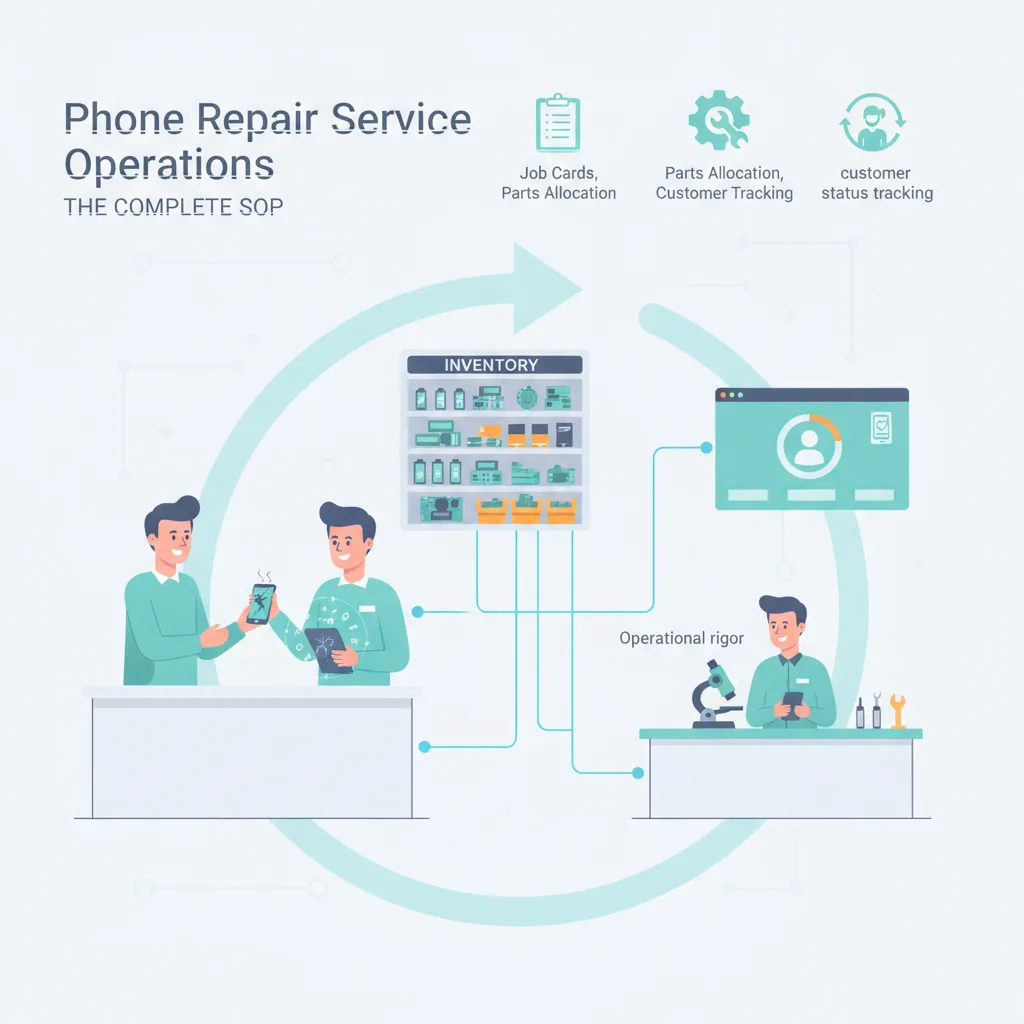
Operating a high-throughput mobile service center requires moving beyond handwritten paper tickets and improvised bench queues. To maintain profitability and protect your shop's reputation, you need a standardized operating procedure (SOP) spanning initial intake, technician routing, parts allocation, and proactive communication.
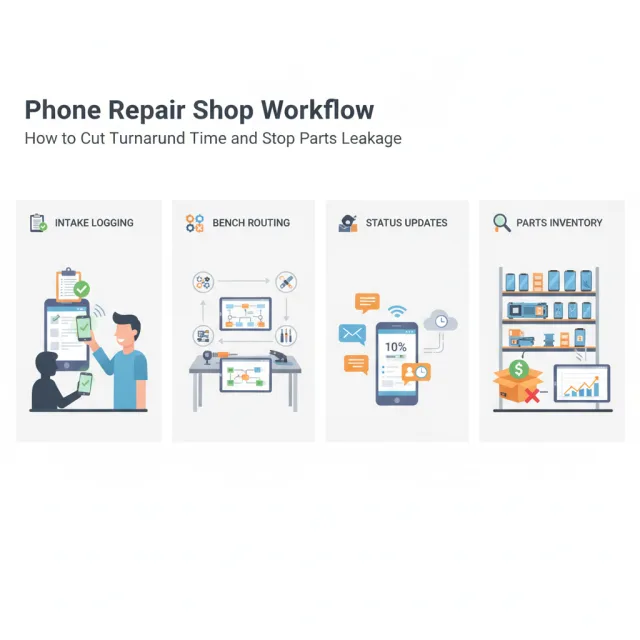
Phase 1: The Zero-Dispute Device Intake Protocol
More than half of customer disputes in the repair sector do not stem from faulty repair work; they originate from unrecorded pre-existing conditions. A device brought in for a cracked outer glass might already have a failing ambient light sensor, a blown earpiece speaker, or liquid penetration that the owner either forgot or failed to disclose.
Your front-desk intake checklist must create an immutable baseline condition report before any device is booked into the workshop:
- Housing and Enclosure Assessment: Inspect and record hairline chassis bends, frame abrasions, rear glass fractures, and camera lens scuffs under focused bench lighting. A bent aluminum or titanium frame will cause a newly installed OLED display to lift or shatter within days if not straightened before assembly.
- Pre-Service Functional Matrix: Whenever a device powers on, run a mandatory two-minute hardware audit: test the digitizer grid across the entire display, verify proximity and ambient light sensors, test front and rear cameras (including autofocus and flash), test microphone inputs (bottom, top, and rear video mics), check Face ID or fingerprint sensor recognition, and inspect charge-port current draw using an inline USB ammeter.
- IMEI and Serial Verification: Always log both IMEI 1 and IMEI 2 (or eSIM identifier) along with the serial number directly onto the intake record. This verifies carrier lock status, prevents internal device mix-ups during multi-unit fleet repairs, and protects your business from accusations of motherboard swapping.
- Explicit Data and Liability Disclaimers: Make sure the intake record explicitly states that device data remains the owner's responsibility, and require a digital or physical signature acknowledging that liquid-damaged or heavily dropped units carry an inherent risk of boot failure during initial disassembly.
Phase 2: Digital Job Cards and Technician Routing
Relying on paper slips taped to anti-static trays is a common operational bottleneck. Paper slips tear, get stained with isopropyl alcohol, and provide zero visibility into technician productivity or job aging. Modern service centers operate on digital job cards that track the exact state of every unit in real time.
Classifying Repairs by Skill and Turnaround Tiers
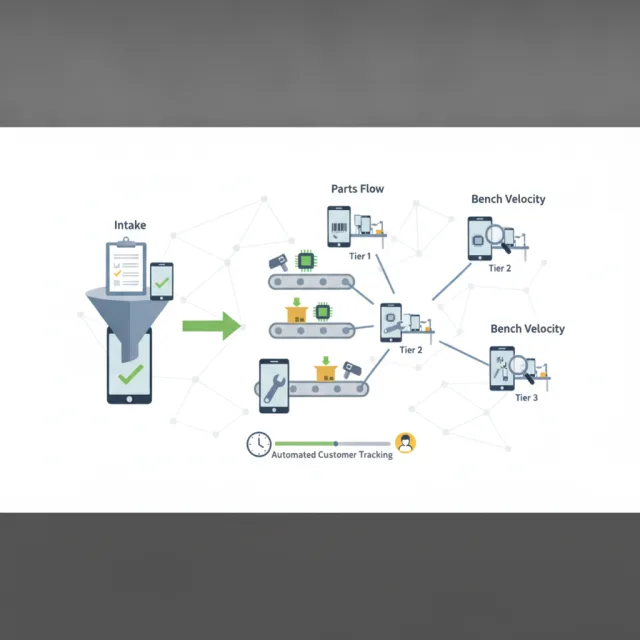
A frequent mistake in repair shops is running a strict First-In, First-Out (FIFO) queue across all staff. Assigning a complex micro-soldering trace repair to the same queue as a twenty-minute battery replacement creates an immediate backlog. Instead, segment your job cards into clear operational tiers:
- Tier 1 (Express Component Swaps): Screen replacements, battery renewals, loudspeaker swaps, and charge ports. Target Turnaround Time (TAT): 45 to 90 minutes. Route these to junior or intermediate assembly technicians.
- Tier 2 (Diagnostics and Intermittent Faults): Rapid battery drains, boot loops, sensor failures, and thermal throttling. Target TAT: 24 hours. These require dedicated bench diagnostic tools before any billable repair work begins.
- Tier 3 (Board-Level and Specialized Rework): FPC connector replacements, backlight coil repairs, shorted power management ICs, and micro-soldering. Target TAT: 48 to 72 hours. Route these exclusively to master diagnostic technicians.
By routing job cards based on technical complexity rather than arrival time, you keep your high-margin express repairs moving quickly while giving complex diagnostics the undisturbed bench time they require.
Phase 3: Precise Spare Parts Allocation and Defect Control
Spare parts inventory represents one of the largest cash commitments in a phone repair shop. With tighter international standards such as the European Union Ecodesign requirements for smartphones compelling manufacturers to make spare parts available for seven years, independent repair centers have broader access to parts, but managing an expanding catalog of SKUs across multiple device generations has become vastly more demanding.
Without strict parts-to-job allocation, inventory shrinkage quickly erodes shop profits:
- Barcode-Driven Part Deduction: Never allow a technician to pull an LCD, charging flex, or battery from a central drawer without scanning it directly to an active job card. Every replacement part must be tied to a specific device IMEI and technician ID before the unit is sealed.
- Mandatory Pre-Installation Testing: Technicians must perform dry testing—connecting screens, batteries, and camera modules externally before applying adhesive or removing protective films. If a replacement screen shows touch latency or dead pixels during pre-test, it can be returned cleanly to your vendor through your RMA process. Once glued down or stripped of warranty seals, that financial loss falls entirely on your shop.
- Scrap and Core Return Auditing: Treat harvested components, cracked original screens (for glass-only refurbishing), and spent lithium-ion batteries as managed inventory. Require technicians to log damaged original parts into a scrap or core-return bin corresponding to the job card to prevent internal component diversion.
Phase 4: Turnaround Time (TAT) and Automated Customer Tracking
Studies consistently reveal that customer anxiety peaks during the silent gap between device drop-off and completion. If an owner has to call your shop twice to ask about repair status, your operational workflow has broken down. Inbound status inquiries consume valuable counter and phone time, pulling technicians away from active repairs.
The most effective way to cut inbound service phone calls is not answering faster—it is giving customers self-service visibility so they never have to call at all.
Establish a transparent status pipeline that transitions automatically as technicians work:
- Checked In / Diagnostic Queue: The device is logged, photographed, and assigned a technician bench.
- Awaiting Customer Approval: Triggered whenever diagnostic labor reveals additional required parts or updated cost estimates. The job halts automatically until the customer approves the updated quote in writing.
- In Repair: Parts have been scanned and allocated; bench work is underway.
- Bench Testing / Quality Assurance: The repair is complete, and the device is undergoing standardized post-service testing.
- Ready for Collection: The invoice is balanced, the device is cleaned and bagged, and an automated SMS or email alert is sent to the customer with collection details.
The 7-Point Post-Repair Quality Control (QC) Checklist
Before any device is moved to the pickup shelf, an independent or designated bench check should verify that the repair was successful and that auxiliary systems were not disturbed during disassembly:
- Current Draw & Fast Charging: Connect the device to a regulated power supply or USB power meter to confirm normal milliamp charging draw without erratic spikes or excessive heat.
- Digitizer Linearity: Drag an application icon smoothly across every quadrant of the display to verify no dead zones or phantom touches exist along the edges.
- Sensor & Ear Detection: Place a live voice call or run a test voice memo to verify the proximity sensor turns off the screen when brought to the ear and that ambient light sensor adjustments function correctly.
- Microphone and Speaker Balance: Record a five-second video on both the front and rear cameras to confirm audio capture across all internal microphones, and test stereo speaker output.
- Biometrics: Register a temporary test fingerprint or run biometric enrollment to ensure sensor continuity, particularly on repairs requiring home button or display transfers.
- Wireless Transceivers: Toggle Wi-Fi, Bluetooth, and cellular data connections to ensure antenna coax cables were fully reseated during reassembly.
- Frame Seal and Gap Inspection: Inspect the perimeter seam under magnification to ensure adhesive sits flush, without high corners or light bleed, before wiping the exterior clean.
Connecting Your Workshop to Cloud-Based Management
Implementing these standard procedures manually across sticky notes or generic spreadsheets quickly breaks down as daily ticket volumes increase. Managing a busy workshop demands integrated software that links repair intake directly to your inventory and point of sale.
This is where iFoxPro fits naturally into your daily routine. Designed specifically for mobile phone shops and service centers, iFoxPro provides a specialized repair and service center module that unites digital job cards, spare parts tracking, and technician assignments in one place. Technicians can allocate barcode-driven spare parts directly to a job, preventing stock discrepancies across branches.
Furthermore, because iFoxPro includes a dedicated, ready-made website on your shop's own domain with live POS integration, your customers can track their repair progress and warranty status online using their IMEI number. Rather than repeatedly calling your front desk, customers check real-time job status directly from their laptops or secondary phones. With plans starting at $29 per month (Starter) and $79 per month (Business), backed by a 14-day free trial with no credit card required, phone shops can systematically professionalize their service desk without heavy initial overhead.
Building a Scalable Service Desk
Technical skill under the microscope is only one component of a successful mobile service center. Long-term commercial success depends on the predictability of your operations: catching pre-existing faults at the counter, routing jobs according to technician capability, accounting for every screw and display flex, and keeping customers informed every step of the way. By establishing systematic intake routines and backing them with dedicated service tracking software, you eliminate desk disputes, reduce turnaround times, and build a trusted, scalable repair business.