Running a mobile phone shop is fundamentally different from operating an apparel store or a convenience market. If a general retail outlet misplaces a pack of chewing gum, the margin impact is negligible. In contrast, if your counter staff accidentally sells an unregistered smartphone, mixes up serial numbers during a trade-in, or loses track of an OLED replacement screen in the repair bay, hundreds of dollars vanish from your bottom line instantly.
Every year, phone retailers invest in off-the-shelf Point of Sale (POS) tools only to discover that generic systems cannot manage serialized device lifecycles. Selecting the right retail management platform is not merely an IT upgrade—it is the operational backbone that dictates how securely your stock moves, how efficiently your technicians work, and whether your multi-branch records actually reconcile at month-end.
The Generic POS Trap: Why Standard Retail Software Fails Phone Shops
Most mainstream POS and inventory systems treat products as fungible batches tied to a single barcode. For phone shops, this architectural flaw triggers immediate friction across three primary workflows:
- Dual-SIM and Serialized Identity: Modern smartphones carry distinct identifiers—primarily IMEI 1 and IMEI 2—along with specific battery serials and variant codes. Generic software cannot link individual device cost, vendor invoice, customer purchase history, and warranty status to a specific IMEI. When a device is returned three weeks later, a generic POS cannot confirm whether the returned unit is the identical handset you originally sold.
- Hybrid Retail and Service Operations: A significant portion of independent phone shop revenue stems from repair services. Standard retail platforms have no native mechanism for tracking intake diagnostic notes, technician accountability, and the internal consumption of spare parts during a repair job.
- Customer Ledgers and Installment Balances: Mobile devices represent high-ticket purchases, often structured around customer credit, deferred deposits, or split payments. Generic checkout registers record a transaction as closed immediately upon tender, forcing store owners to balance debt ledgers manually in spreadsheets.
The Phone Shop Management Software Checklist
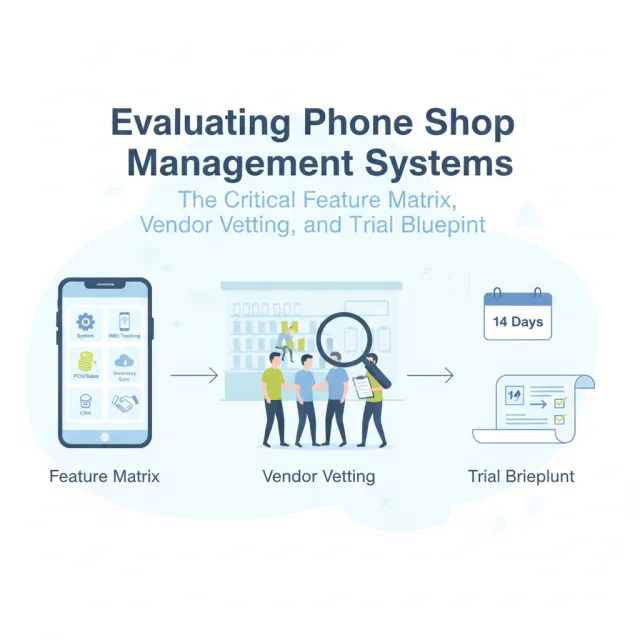
When shortlisting platforms, use this functional checklist to separate surface-level checkout software from a dedicated mobile retail management system.
1. Serialized Device & IMEI Management
- Dual-IMEI Capture: Native fields to record IMEI 1 and IMEI 2 during purchase intake without clunky workarounds.
- Complete Device History: A searchable lifecycle trail showing who supplied the device, what branch received it, any repairs performed, the customer invoice, and warranty expiration.
- Barcode and Camera Scanning: Rapid input using handheld laser scanners or mobile device cameras for instant intake and stock counts.
2. Repair and Workshop Ticketing
- Job Cards: Ability to generate physical and digital job cards logging device condition, passcodes, reported faults, and estimated completion times.
- Technician Tracking: Assignment of specific jobs to bench technicians to track turnaround times and labor productivity.
- Parts Deduction: Automatic deduction of replacement screens, flex cables, and batteries from live stock as soon as the repair order is closed.
3. Flexible Point of Sale Billing
- Rapid Invoicing: Clean support for both compact 80mm thermal receipts and detailed A4 legal invoices containing terms and warranty clauses.
- Split Tender & Down Payments: Seamless processing of transactions paid partly in cash, card, mobile wallet, or store credit.
- Return Guardrails: Automatic validation of returned hardware against original sales records before refund approval.
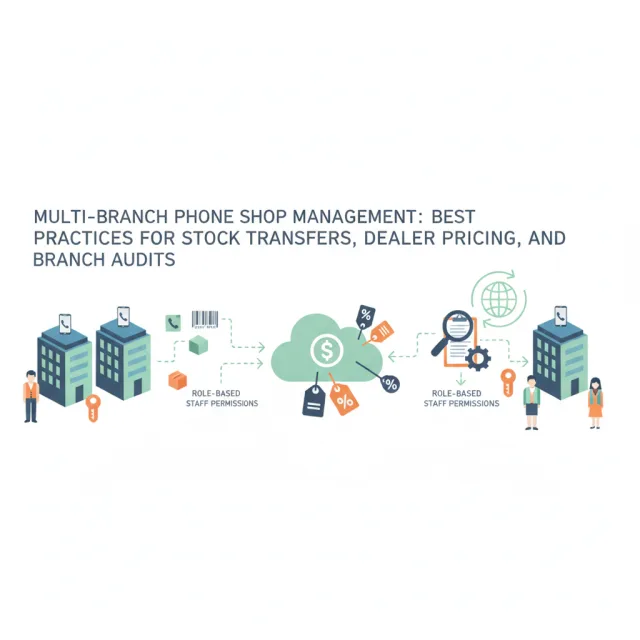
4. Multi-Branch and Distribution Controls
- Branch-to-Branch Transfers: Formal inter-store transfer requests and confirmations to prevent "disappearing" inventory while in transit.
- Role-Based Staff Permissions: Granular restrictions preventing front-desk cashiers from modifying sales prices, deleting line items, or seeing wholesale vendor costs without administrative approval.
- Consolidated Visibility: Centralized reporting that allows operators to monitor cash drawers, margin performance, and stock levels across every location simultaneously.
5. Omnichannel Sync and Customer Ledgers
- Real-Time E-Commerce Synchronization: Instant stock sync so a device sold over the retail counter immediately updates on your digital storefront to eliminate duplicate sales.
- Installment Schedules: Built-in scheduling for customer installment balances with clear repayment records and automated reminder tracking.
7 Vetting Questions to Ask Software Vendors
Before entering contract negotiations or paying an implementation deposit, put these practical operational questions directly to vendor representatives:
- "How does your database handle devices with two active IMEIs during bulk intake?" (If they tell you to paste the secondary IMEI into the product description or a notes field, the platform lacks native device serialization.)
- "Can a repair technician consume spare parts on a job ticket without having administrative access to modify inventory levels?"
- "How does your platform handle inventory reconciliation if our shop transfers five handsets between branches and one arrives damaged?"
- "What safeguards prevent staff from issuing unauthorized discounts or altering previous transactions?"
- "What is your platform's server infrastructure and data backup protocol?" Ask about uptime commitments, replication, and encryption standards to verify that your customer records remain safe against hardware failures.
- "Are data processing practices compliant with international privacy standards like the GDPR?"
- "What is the exact data migration process from our current spreadsheets, and do you charge extra fees for technical onboarding?"
Common Implementation Mistakes to Avoid
According to retail system implementation analyses, the majority of retail automation failures stem from rushed software selection and poor data hygiene. Keep an eye out for these frequent operational pitfalls:
Mistake 1: Migrating "Dirty" Inventory Data. Exporting an unverified, messy inventory spreadsheet straight into a new system guarantees immediate count discrepancies. Audit your physical stock and confirm active serial numbers before mapping data into the new platform.
Mistake 2: Overlooking Staff Workflow Friction. Software that looks impressive in an executive demonstration can quickly bottleneck daily operations if the checkout screen requires eight clicks to complete a basic accessory transaction. Evaluate how quickly a new hire can ring up a phone case or log a screen replacement.
Mistake 3: Cutting Over Cold Turkey. Never shut down your existing ledger on Friday evening and launch a new system on Saturday morning without running an isolated pilot. Sudden transitions create cashier panic and customer queues.
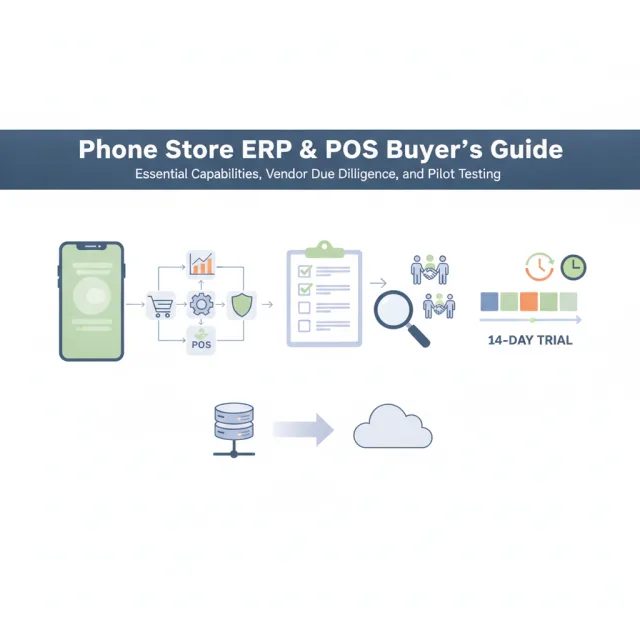
How to Run an Effective 14-Day Software Trial
When testing a shortlisted management platform, do not simply click around sample demo data. Follow a structured stress-testing protocol:
- Load Real Seed Data: Import a batch of 20 serialized devices, 10 accessories, and 5 replacement parts. Verify that serial lookups and barcode scans function instantly.
- Simulate an End-to-End Repair: Check in a phone with a cracked display, create a repair ticket, assign it to a bench tech, link a replacement screen part, close the invoice, and confirm that the component was deducted from spare parts stock.
- Test Edge-Case Billing: Run a split payment transaction (part cash, part card), execute a partial return, and issue a customer credit note. Observe how clearly the invoice documents the transaction.
- Audit Permissions on Mobile: Set up a restricted cashier profile and attempt to view overall store profitability, override a discount, or delete a stock transfer to verify that role permissions hold firm.
Evaluating Dedicated Solutions: Where iFoxPro Fits
For independent shop owners, multi-branch retailers, and service centers seeking a purpose-built system, iFoxPro was engineered specifically to solve these mobile retail bottlenecks. Trusted by over 1,000 shops worldwide, iFoxPro eliminates generic workarounds through a dedicated cloud ecosystem.
Core platform capabilities include:
- Complete IMEI Lifecycle Tracking: Native tracking of IMEI 1 and IMEI 2 across the entire operational chain—from initial vendor purchase through multi-branch transfers and retail sale.
- Integrated Service Bay Management: Repair job cards that log diagnostic updates, assign bench technicians, and automatically consume spare parts from inventory.
- Unified Invoicing and Credit: Fast POS checkout producing thermal or A4 receipts, flexible split payments, customer ledgers, and automated installment schedules.
- Multi-Branch Governance: Coordinated branch stock transfers, consolidated cross-store reporting, and granular role-based employee access.
- Native Owner Mobile App: Available on Android and iOS, providing shop managers with real-time sales dashboards, a barcode/IMEI camera scanner, smart activity alerts, and one-tap approvals for branch transfers, manual discounts, and returns.
- Ready-Made E-Commerce Integration: Every subscription includes a dedicated online storefront operating on your custom domain, featuring live inventory synchronization with your POS, cart checkout (supporting online gateways, cash on delivery, and bank transfer), customer order/warranty/repair tracking by IMEI, and in-store pickup options.
- Enterprise Cloud Security: A 3-layer cloud architecture (NVMe main server, real-time failover replica, and AES-256 encrypted versioned backups) backed by a 99.9% uptime target, TLS 1.3 encryption, and GDPR compliance with standard Data Processing Agreements.
Plans start at $29/month for single-branch locations (Starter, up to 3 users) and $79/month for expanding businesses (Business, up to 5 branches and 15 users), with custom Enterprise pricing for unlimited branches and API access. Retailers can evaluate the complete system through a 14-day free trial with no credit card required, accompanied by complimentary setup and data migration assistance.
Conclusion
Your management software is the operational engine of your mobile phone store. Selecting a system that treats high-value smartphones like generic grocery items will inevitably lead to inventory shrinkage, technician confusion, and lost margins. By demanding native IMEI tracking, integrated service workflows, strict transfer safeguards, and structured ledger controls, you build a resilient, scalable foundation that protects your profits across every counter and branch.