Most retail software platforms fail when deployed in a smartphone shop. Generic point-of-sale systems built for fashion, supermarkets, or cafes treat products as identical stock keeping units (SKUs) on a shelf. In contrast, the consumer electronics sector handles high-value, serialized inventory with razor-thin hardware margins, dual-identifier motherboards, volatile depreciation curves, and technical repair workflows.
When a system cannot distinguish between two identical 256GB smartphones because it lacks serialized tracking down to the individual device, inventory audits collapse, warranty processing becomes chaotic, and internal shrinkage creeps in. Choosing a dedicated management platform requires evaluating whether software architecture can handle the specific operational realities of mobile retail, repair ticketing, and multi-location logistics.
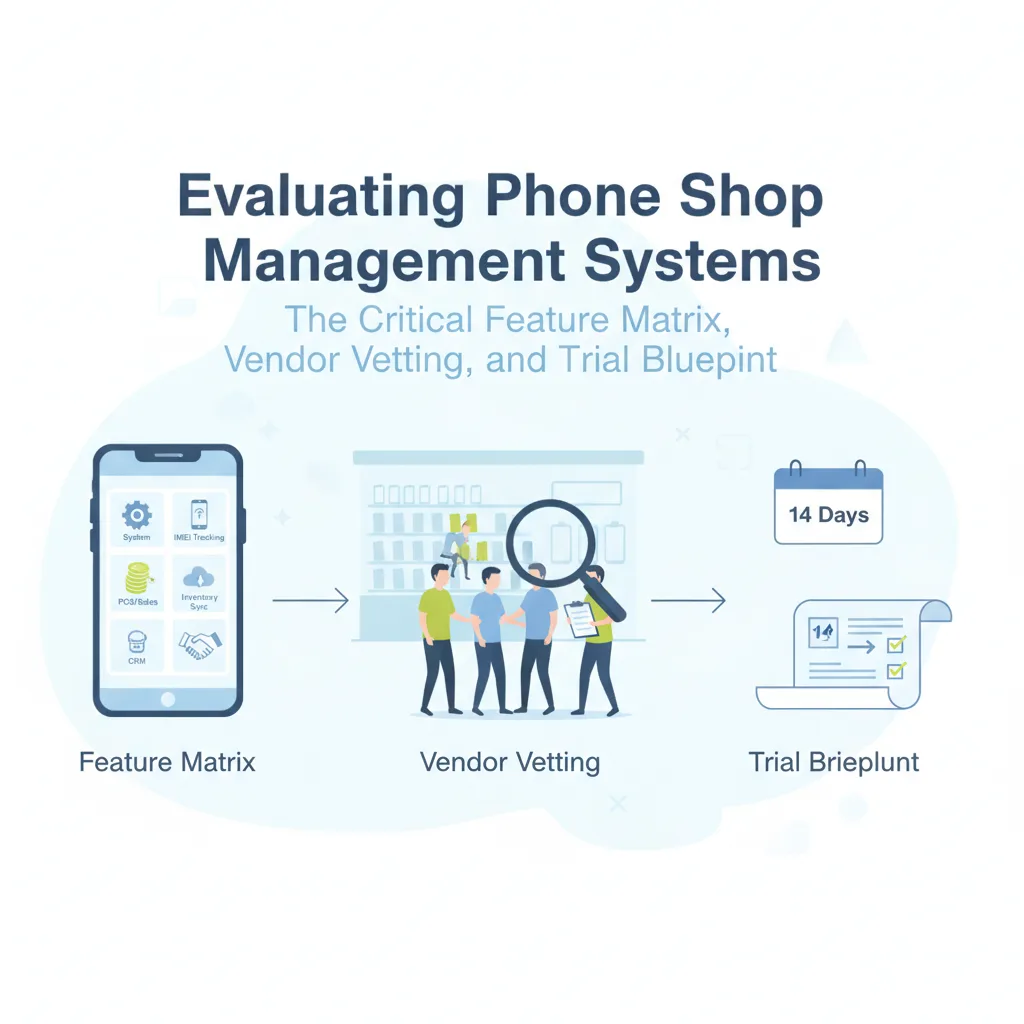
The Specialized Phone Retail Feature Matrix
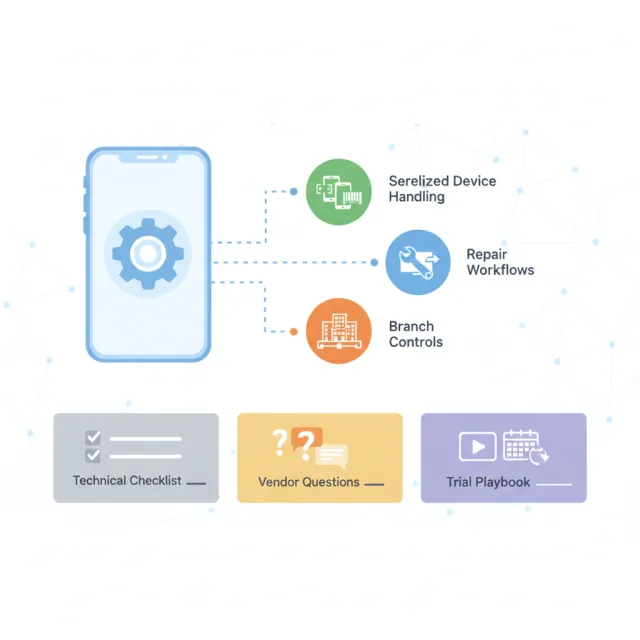
Before scheduling software demos or reviewing marketing materials, operations leaders should separate standard retail utility from mobile-specific operational necessities. A modern mobile store management system should satisfy five specialized operational pillars.
1. True Dual-IMEI & Serialized Lifecycle Tracking
A standard SKU model is insufficient for modern smartphone retail. Every handset carries unique regulatory identifiers—increasingly dual-IMEI configurations for physical and digital SIMs (eSIM). The platform must:
- Record primary and secondary IMEIs during receiving without requiring duplicate parent items.
- Maintain a tamper-evident audit history for every serial number, tracking its journey from supplier procurement and branch transfer to customer sale, return, or warranty RMA.
- Support fast barcode/IMEI scanning at checkout to prevent accidental swaps where cashiers hand over a premium device while scanning an identical-looking base model.
2. Integrated Repair & Service Center Workflow
Mobile retailers often generate their healthiest operating margins in the repair bay. Using disconnected ticketing software creates data silos that obscure labor profitability and spare parts consumption. Look for:
- Intake job cards capturing pre-existing cosmetic condition, passcode verification, and customer fault descriptions.
- Automated spare parts deduction from inventory directly tied to the assigned job card.
- Technician performance attribution to accurately track rework rates, turnaround times, and labor commissions.
3. Multi-Branch Logistical Controls
Operating more than one location introduces risk during stock transfers. If a system records an inter-branch transfer as an immediate deduction at Branch A and immediate addition at Branch B, any loss in transit becomes invisible. The system must support an intermediate "in-transit" status requiring physical receiving scans and managerial sign-offs at the destination store before stock is marked available for sale.
4. Flexible Ledgers and Customer Installments
Device financing and structured installment plans are standard tools for closing high-ticket device sales. Your software must manage customer credit balances, custom repayment schedules, automated overdue notices, and partial payment splits at the point of sale without relying on external, error-prone spreadsheets.
5. Unified Omnichannel Synchronization
Selling through physical branches and an online storefront simultaneously carries the risk of double-selling limited-quantity serialized stock. If an online customer purchases a specific pre-owned flagship device that a floor salesman sells five minutes later, fulfillment breaks down. Unified systems must execute instant inventory deductions across online carts and in-store registers simultaneously.
4 Costly Mistakes When Buying Mobile Retail Software
Phone shop operators frequently make avoidable compromises during procurement that lead to expensive, disruptive platform migrations later.
Operational Rule: Software cost is never just the monthly subscription price. The true cost includes lost staff hours during clumsy workarounds, untracked parts shrinkage, and inventory discrepancies caused by generic software architecture.
- Deploying a Generic "Apparel & Grocery" POS: Generic POS providers often claim they support serial numbers through "custom text fields." A text field does not enforce uniqueness, prevents automated inventory deduction, and makes warranty verification across branches impossible.
- Overlooking Granular Role Permissions: Store floor staff should not have visibility into wholesale cost margins, supplier details, or the authority to issue arbitrary discounts without managerial approval. A system without strict role-based access control creates severe internal loss prevention vulnerabilities.
- Ignoring Data Portability and Cloud Lock-in: Many legacy on-premise systems or poorly architected cloud tools make it nearly impossible to export complete historical serialized data. If your vendor cannot provide clean CSV/Excel exports of your complete device history, customer ledgers, and supplier records, your business is effectively held hostage.
- Underestimating Hardware and Scanning Flexibility: Mobile retail moves fast during trade-in rushes and product launches. If the software limits you to rigid, proprietary hardware terminals and cannot utilize standard barcode scanners or mobile camera scanning, your checkout lines will stall.
Vendor Diligence: 7 Direct Questions to Ask
During vendor demonstrations, sales representatives naturally focus on polished front-end dashboards. To test the system's operational depth, ask these technical and procedural questions:
- "How does your database handle dual-IMEI devices?" Ensure both identifiers link to a single inventory record rather than forcing staff to create two independent products.
- "What is your underlying cloud architecture, failover protocol, and uptime track record?" Look for vendors that maintain real-time failover replicas and regular off-site encrypted backups to prevent data loss during network disruptions.
- "How are inter-branch stock transfers audited?" Verify whether the system produces an auditable chain of custody showing who requested, dispatched, and confirmed the delivery of specific IMEIs.
- "Can your platform handle split payments and trade-in trade-offs on a single receipt?" Modern customers frequently pay using multiple methods—such as partial cash, card, and the trade-in value of an older device—within a single transaction.
- "Is e-commerce native or reliant on unstable third-party sync plugins?" Middleware plugins frequently fail to sync serialized inventory in real time, leading to overselling.
- "What data security and privacy standards do you uphold?" Ensure the vendor operates under transparent data processing agreements and complies with standards like GDPR, maintaining audit trails for data access and modification.
- "What migration assistance and onboarding support is included?" Transitioning thousands of existing IMEI records, customer balances, and accessory SKUs requires direct onboarding guidance, not just a link to a generic documentation page.
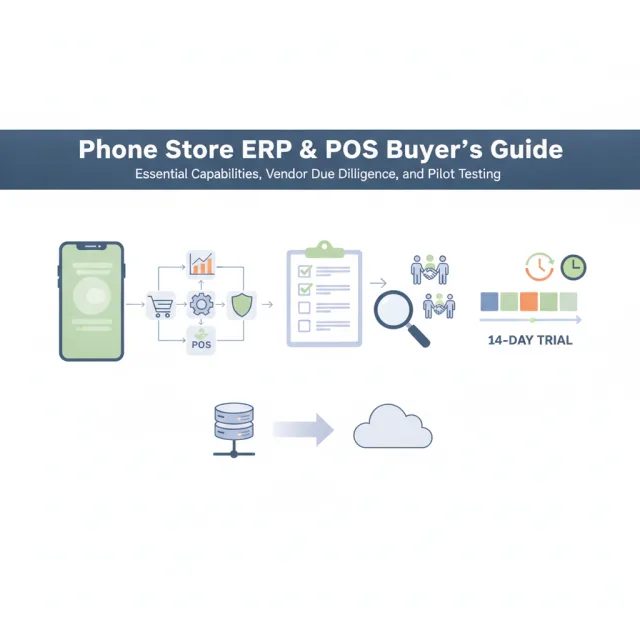
The 14-Day Evaluation Blueprint: How to Pilot a System
Never commit to an annual software contract without running a structured trial simulating your busiest store operations. Use this two-week phased testing playbook to stress-test candidate software:
Phase 1: Catalog Structure and Receiving (Days 1–4)
Upload a representative batch of your inventory: 20 serialized smartphones (including dual-SIM models), 15 spare repair components (screens, batteries, charging ports), and 20 non-serialized accessories. Test the receiving workflow. Does the software make bulk IMEI entry fast? Can you print standard barcode labels for accessories directly from purchase orders?
Phase 2: Complex Workflow Simulation (Days 5–8)
Simulate messy real-world transactions that break weak software:
- Create an intake job card for a broken device, assign a technician, allocate a replacement screen from inventory, and complete the repair invoice.
- Process a phone sale involving a trade-in credit deduction, a cash payment, and a deferred installment balance.
- Process an accessory return without an original receipt and check if inventory restocks accurately.
Phase 3: Multi-Branch & Approval Testing (Days 9–11)
Set up a secondary test branch. Initiate a stock transfer of three specific IMEIs from Branch 1 to Branch 2. Verify that the devices are flagged as in-transit and cannot be sold at either location until staff at Branch 2 complete receiving. Test manager approval controls: attempt to apply a 25% discount or initiate a manual cash drawer payout from a standard cashier account to confirm the system triggers permission gates.
Phase 4: Reconciliation and Auditing (Days 12–14)
Review the back-office reports. Did the simulated sales correctly adjust gross margin calculations accounting for the trade-in allowance? Is the technician's spare part deduction clearly linked to the job card? Are the tax and ledger summaries clear and mathematically consistent? If the administrative reporting is clear and audit trails are complete, the software is viable for deployment.
A Dedicated Architecture: How iFoxPro Fits the Framework
For retailers looking to avoid the compromises of generic software, platforms purpose-built for the electronics sector provide an immediate operational fit. iFoxPro was designed specifically around the daily workflows of mobile phone retailers, repair centers, and multi-branch electronics distributors.
The system natively tracks both IMEI 1 and IMEI 2 across the entire device lifecycle, from purchase intake to sale, warranty claims, and returns. Rather than bolting on separate subscriptions, iFoxPro unites fast POS billing, a dedicated repair and service center module with job card tracking, barcode-driven accessory control, and customer installment ledgers inside a single environment.
To address omnichannel hurdles, every plan includes a ready-made, real-time synchronized e-commerce website on the retailer's own domain, allowing customers to check live inventory, purchase online, or track repair status by IMEI. Multi-branch chains benefit from controlled stock transfer workflows, while owners can monitor daily store activity, scan IMEIs, and approve discount or transfer requests remotely through dedicated iOS and Android mobile apps.
Built on a three-layer cloud infrastructure featuring NVMe storage, real-time failover replication, AES-256 encrypted backups, and GDPR compliance, iFoxPro delivers dependable enterprise-grade stability with straightforward pricing. Plans start at $29/month for single branches, $79/month for up to 5 branches, and custom enterprise options for larger operations. Retailers can validate the platform firsthand with a 14-day free trial that requires no credit card and includes free data migration assistance.
Conclusion: Choosing for Longevity
Switching retail management platforms disrupts operations, retrains staff, and consumes leadership hours. Because migrations carry organizational friction, your software choice should be evaluated not just for today's store count, but for how your business will operate two to three years down the road.
By prioritizing true serialized tracking, integrated service center workflows, disciplined multi-location transfer auditing, and cloud resilience, mobile retail operators can select a management system that protects store margins and supports sustained commercial growth.
===CONTENT===