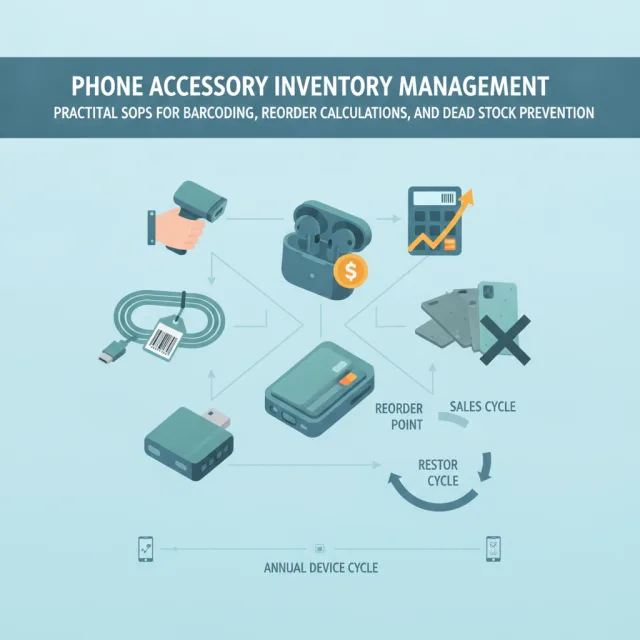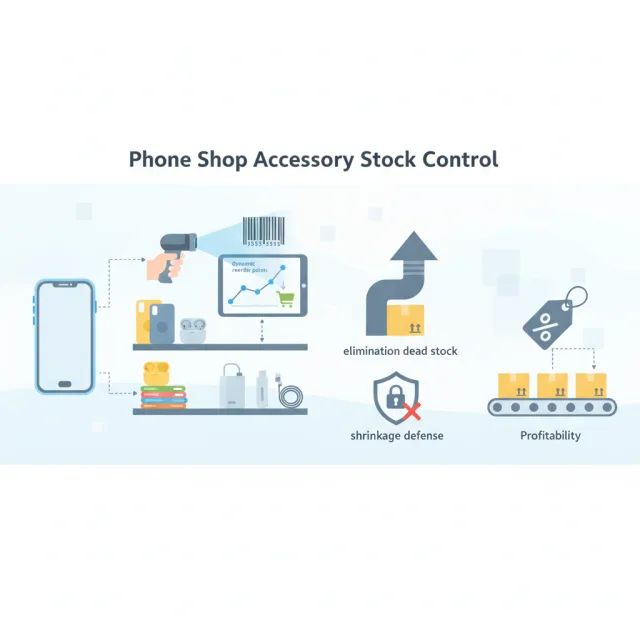
In mobile phone retail, there is an unspoken economic truth: devices bring customers through the door, but accessories pay the lease. While flagship smartphones often trade on razor-thin margins between 6% and 12%, everyday add-ons—such as 30W and 65W GaN charging adapters, reinforced braided cables, screen protectors, and MagSafe-compatible cases—routinely command gross margins between 50% and 75%. Yet, for many store owners, accessory bins and pegboards quietly drain that hard-won profit.
Unlike serialized smartphones, which receive intense individual scrutiny, accessories are frequently treated as an operational afterthought. Shipments arrive in bulk polybags without manufacturer barcodes; staff sell protective glass using generic “Miscellaneous” buttons on the counter; and unsold cases for discontinued chassis gather dust in backroom crates. When an annual flagship launch adjusts camera bumps or physical button placement by even two millimeters, unmanaged case inventory transforms from an asset into instant dead stock. Running a profitable shop requires treating accessories with the same disciplined inventory architecture applied to high-value devices.
The High-Margin, High-Obsolescence Paradox
Managing phone accessories introduces an operational challenge unique to electronics retail: high sales velocity coupled with aggressive depreciation. Device manufacturers operate on strict 12-month release cadences. When consumers transition to a new device family, secondary demand for older form-factor cases drops sharply within two to three quarters.
According to supply chain analyses compiled by Devia Global on mobile accessories retail, accumulating dead stock ties up working capital and degrades overall retail net margins if stock velocity is not matched to phone product lifecycles. Unorganized inventory leads directly to three chronic margin leaks:
- Checkout drift: When cashiers cannot scan an item quickly, they guess retail prices, apply arbitrary discounts, or ring items under blanket categories that leave inventory counts completely unadjusted.
- Invisible internal shrinkage: Small, high-demand items—such as fast-charging cables, wireless earbuds, and car chargers—are easy to slip into pockets or misplace during busy shifts if they are not tracked unit-by-unit.
- The “forgotten pegboard” accumulation: Staff naturally push fast-moving items onto front display pegs, leaving older stock stranded at the back of shelves until it is rendered completely unsellable by market obsolescence.
Standardizing Barcodes and SKU Taxonomies
Accurate stock tracking is impossible without a standardized labeling convention. A typical mobile shop purchases accessories from multiple sources: brand-name items with universal EAN/UPC barcodes, private-label products with unreadable vendor stickers, and unbranded bulk packaging (such as tempered glass boxes of 50 units) containing no barcodes at all.
Relying on vendor-printed barcodes causes system fragmentation because different suppliers frequently recycle identical barcode sequences for entirely different items. To prevent inventory collisions, top-performing phone shops enforce an internal SKU naming architecture and reprint barcode labels immediately upon receipt.
Designing a Scalable Internal SKU Formula
An effective Stock Keeping Unit (SKU) should be human-readable and structured logically by category, brand compatibility, form factor, and variant. Consider this four-part convention:
[CATEGORY]-[BRAND/COMPATIBILITY]-[MODEL]-[VARIANT]Under this structure, a clear magnetic case for an iPhone 16 Pro becomes CAS-AP-IP16P-MAGCLR, while a 65W dual-port GaN charger with universal compatibility becomes CHG-UNI-65WGAN-BLK. Adopting this convention provides clear operational advantages:
- Warehouse and retail staff can identify the exact product without opening protective retail blister packaging.
- Search queries at the point of sale return precise matches even if a handheld scanner is momentarily offline.
- Thermal barcode label printers can generate compact Code 128 or QR stickers containing both the internal SKU and readable pricing.
Implementing ABC Velocity Analysis for Accessories
Not all accessories carry equal risk. Treating a universal 2-meter USB-C charging cord the same way as an ultra-niche leather wallet case for an older mid-range phone will distort your purchasing budget. Mobile retailers should segment their catalog using the classic ABC inventory classification method:
Class A: Universal Fast-Movers (High Velocity, Low Obsolescence Risk)
Class A inventory represents items compatible with dozens of phone models. This includes 20W to 65W charging bricks, universal magnetic car mounts, braided charging cables, high-capacity power banks, and cleaning kits. Because these items do not depend on physical phone chassis dimensions, their obsolescence risk is minimal. They should be ordered in healthy bulk quantities to maximize volume supplier discounts and maintained with generous safety buffers.
Class B: Current-Generation Flagship Protection (High Velocity, High Obsolescence Risk)
Class B consists of cases, privacy filters, and camera lens protectors engineered specifically for top-selling active flagships. These products carry the highest retail margins (often exceeding 70%), but their lifespan is tied to the flagship's production cycle. Stock levels should remain aggressive during the first six months post-launch, then be systematically throttled as the next hardware cycle approaches.
Class C: Long-Tail and Mid-Tier Specifics (Low Velocity, High Obsolescence Risk)
Class C contains accessories tailored to budget devices, legacy flagships older than two cycles, or specialized aesthetic accessories (e.g., designer wrist straps, glitter cases). These items should never be bulk-ordered. Maintain strictly limited shelf quantities (two to three units per SKU) or transition them to on-demand supplier replenishment.
Calculating Dynamic Reorder Points and Safety Stock
Stockouts on accessories directly diminish profitability. If a customer buys an expensive phone but cannot purchase a case or screen protector because your shelves are empty, that margin is permanently lost to an online marketplace or a nearby competitor. Conversely, blind overordering generates dead stock.
Eliminate guesswork by using the standard Reorder Point (ROP) formula:
Reorder Point = (Average Daily Sales × Lead Time in Days) + Safety StockWhere Safety Stock is calculated to absorb unexpected spikes in demand or shipping bottlenecks:
Safety Stock = (Max Daily Sales × Max Lead Time) - (Average Daily Sales × Average Lead Time)Worked Operational Example: Universal 30W Fast Charger
Suppose your shop sells an average of 6 universal 30W chargers per day, but sales peak at 14 per day during weekend promotions. Your primary distributor takes an average of 4 business days to deliver shipments, but during peak logistics disruptions, delivery can take up to 9 days.
- Safety Stock Calculation: (14 × 9) - (6 × 4) = 126 - 24 = 102 units
- Reorder Point: (6 × 4) + 102 = 24 + 102 = 126 units
When software automatically recalculates this threshold, staff do not wait for the shelf to sit bare. The moment active inventory dips to 126 units, a purchase order is triggered. For volatile Class B items with shorter lifecycles, adjust lead time assumptions downward and keep safety stock tighter to avoid holding surplus when new phone generations debut.
Five-Step Protocol to Prevent Shrinkage and Eliminate Dead Stock
Organized processes protect retail floor value. Implement this five-step checklist to control store shrinkage, verify physical inventory counts, and actively liquidate aging SKUs before they collapse your balance sheet.
- Enforce a 100% Intake Barcoding Quarantine: Deliveries must never go straight from the receiving table to sales racks. Every carton must be verified against the vendor invoice, recorded into stock, and labeled with an internal barcode sticker before reaching retail displays.
- Run Blind Weekly Cycle Counts by Sub-Category: Avoid disruptive annual inventory closures. Instead, conduct rolling 15-minute counts twice per week. Have staff count a single pegboard or bin (e.g., “All iPhone 15 series cases” on Tuesday; “All Type-C to Lightning cables” on Friday) without seeing what the software says should be there. Discrepancies show up immediately rather than compounding across twelve months.
- Lock Down POS Generic Item Keys: Remove “Misc Accessory” and “Open Item” quick-keys from your billing terminals. Cashiers must scan the barcode on the product packaging. If an item cannot be scanned, a manager must verify the SKU, print a fresh barcode label, and correct the inventory ledger.
- Stage Pre-Launch Clearance Triggers: Monitor device manufacturer announcement schedules. Sixty days prior to an expected hardware refresh, pull sales velocity reports on cases matching the outgoing model. Reduce prices by 20% to 30% immediately to flush inventory while active consumer demand remains steady.
- Deploy Trade-In and Service Bundles: Liquidate Class C stock without visibly slashing prices by pairing slow-moving items with high-value transactions. Bundle an aging case or screen protector into phone trade-in transactions, pre-owned phone sales, or complete screen replacement repairs as a “complimentary protection package” that delights customers while freeing warehouse shelf space.
How iFoxPro Centralizes Accessory and Device Management
Controlling hundreds of fast-moving accessory SKUs alongside serialized smartphones requires retail software engineered specifically for mobile operations. Built from the ground up for phone shops, multi-branch operations, and repair centers, iFoxPro bridges the operational gap between device tracking and volume retail inventory.
While iFoxPro provides industry-standard IMEI tracking for smartphones from purchase to sale, its integrated accessory and inventory management module handles high-velocity barcode-driven stock with equal precision. Retailers can print custom barcode labels directly from intake shipments, automate fast POS checkout with split payments and thermal receipts, and set custom reorder points with smart low-stock alerts delivered directly to the iFoxPro mobile app for iOS and Android.
Because iFoxPro includes a dedicated, ready-made e-commerce website on your shop's custom domain with every plan, accessory stock syncs in real time across brick-and-mortar shelves and online checkout. When an accessory sells in-store or online, stock levels decrement instantly across channels, preventing embarrassing overselling and stock drift without requiring expensive third-party connector plugins.
Conclusion
Accessories are the true engine of sustainable cash flow in mobile retail. When managed casually, they morph into cluttered displays, untracked shrinkage, and shelves weighed down by unsellable plastic. By standardizing internal barcode naming, categorizing items by real-world velocity, applying mathematical reorder points, and automating cycle counts, phone shop owners can insulate their margins from device churn and turn their accessory department into a predictable, highly profitable operation.