Most generic retail software collapses within forty-eight hours of being deployed in a mobile phone shop. Apparel or grocery point-of-sale systems are engineered for homogeneous stock keeping units (SKUs)—items where every blue medium shirt or every can of soda is functionally identical. In consumer electronics retail, however, no two smartphones are identical. Every handset carries unique identity numbers, warranty timelines, supplier costs, cosmetic grades, and customer histories.
When mobile retailers attempt to shoehorn phone sales, accessory inventory, repair job cards, and installment ledgers into a one-size-fits-all cash register system, operations quickly unravel. Staff resort to manual spreadsheets to record serial numbers, parts leak out of the repair bench without paper trails, and stock transfers between branches become blind spots for inventory shrinkage. Choosing the right mobile phone shop management software is not simply an administrative upgrade; it is an infrastructure decision that dictates your store’s security, accounting accuracy, and ability to expand.
The Non-Negotiable Core Features Checklist
Before booking software demos or reviewing price sheets, establish your operational baseline. A purpose-built phone retail platform must handle both serialized high-value items and high-velocity bulk inventory seamlessly under one roof.
- Dual IMEI Tracking Across the Full Lifecycle: Modern smartphones frequently operate with dual SIMs or eSIM configurations, generating two distinct identity numbers (IMEI 1 and IMEI 2). Your system must record both identifiers at the point of purchase, follow them through warehouse transfers, print them on compliant customer receipts, and archive them for post-sale warranty verification and police inquiries.
- Integrated Repair and Service Center Module: Repairs cannot be treated as standard retail products. The software must generate serialized job cards upon device intake, log customer-reported faults and passcodes, allocate specific spare parts from your stock, track technician assignments, and deliver automated status updates to customers.
- Fast, Flexible Point of Sale (POS) Billing: Checkout counters move fast. The POS interface should support rapid barcode scanning for accessories, instant IMEI lookup for devices, split payments (such as partial cash and digital payment), thermal and full A4 invoice printing, and controlled returns.
- In-House Installments and Customer Ledgers: As device prices remain elevated, financing and layaway arrangements drive a large share of sales. Your management platform should generate structured installment schedules, calculate outstanding balances, and maintain clear customer credit ledgers with automated payment reminders.
- Multi-Branch Visibility and Stock Transfers: If you run more than one location or supply wholesale dealers, you need real-time consolidated stock views. Stock transfers must require a dispatch-and-receive verification workflow to prevent devices from disappearing in transit.
- Live-Synced Omnichannel E-Commerce: Operating an offline counter and an online storefront as separate silos leads to accidental double-selling of high-demand flagship phones. Your system should offer real-time synchronization between physical floor inventory and online web orders.
- Mobile Management and Executive Controls: Store owners cannot spend twelve hours a day behind the cash register. A native owner application with real-time sales dashboards, barcode scanning, and instant remote approval prompts for discounts, expenses, and inter-branch transfers is essential for fraud prevention.
7 Tough Questions to Ask Vendors Before You Buy
Software sales demos are structured to highlight polished dashboards while glossing over day-to-day edge cases. During your discovery calls, press prospective vendors with these practical operational scenarios to see how their software actually performs under pressure:
- "How does your database handle dual-SIM devices and warranty returns?"
If the platform requires you to enter IMEI 2 into an unindexed "notes" field, pass. You cannot reliably search, report, or automate warranty validation on unstructured text fields. - "Can your repair module deduct individual spare parts from raw inventory upon job completion?"
A true service module must link the repair ticket directly to your spare parts inventory—deducting the specific display assembly, battery, or charging port used by the technician to preserve margin visibility. - "What granular permissions exist to restrict staff from discounting or altering historical records?"
Ask whether cashiers can apply arbitrary discounts, delete line items, or process refunds without manager authorization. System logs must capture an unalterable audit trail of every operational adjustment. - "What is your cloud architecture, backup protocol, and recovery timeline?"
Find out where your business data lives. Inquire about server redundancy, automated versioned backups, data encryption standards (both in transit and at rest), and guaranteed service uptime commitments. - "How does the system ensure compliance with data protection laws like GDPR?"
Phone shops collect sensitive personal data—national ID numbers, addresses, phone numbers, and device passcodes. Verify whether the vendor acts as an accredited data processor with clear data deletion and subject access workflows. - "Are your billing and subscription tiers all-inclusive, or are there hidden per-device and migration fees?"
Clarify whether you will be penalized with extra charges for adding additional checkout lanes, whether customer support includes initial data migration assistance, and if there are transaction surcharges layered on top of software licensing. - "How do you handle catalog import from our current spreadsheets?"
Transitioning systems should not require manually re-typing thousands of accessory barcodes and phone serials. Ask for sample import templates to confirm that custom fields, brand names, and serialized stock maps cleanly.
Costly Selection Mistakes to Avoid
When selecting a retail management platform, business owners often fall into recurring pitfalls that cause operational friction and unexpected expenses down the road:
Software evaluation is rarely about finding the platform with the longest feature list. It is about selecting an engine that enforces discipline on your floor, eliminates stock leakage, and protects your margin per square meter.
Underestimating Employee Theft Vectors: In mobile retail, internal shrinkage often occurs through "soft" avenues—unauthorized discounts to acquaintances, fake return slips, or unauthorized cash drawer openings. Software that lacks strict role-based access control or manager approval alerts leaves your profit margins unprotected.
Over-Customizing Generic Platforms: Hiring an agency or freelancer to bolt an IMEI database and repair workflow onto a generic retail tool or open-source ERP almost always costs more in long-term maintenance and buggy updates than subscribing to a specialized industry solution.
Ignoring Hardware Compatibility: Always check that the cloud software functions with standard ESC/POS thermal receipt printers, laser barcode scanners, label printers, and regular web browsers across desktop and mobile devices before committing your budget.
The 14-Day Pilot Framework: How to Stress-Test a System
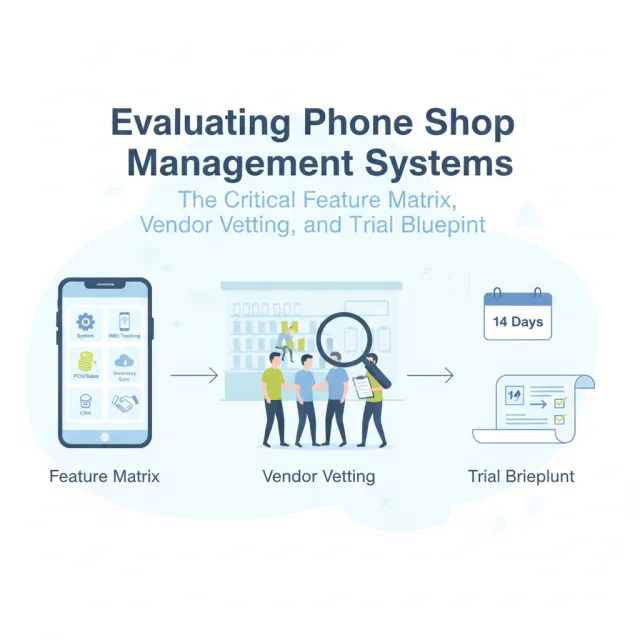
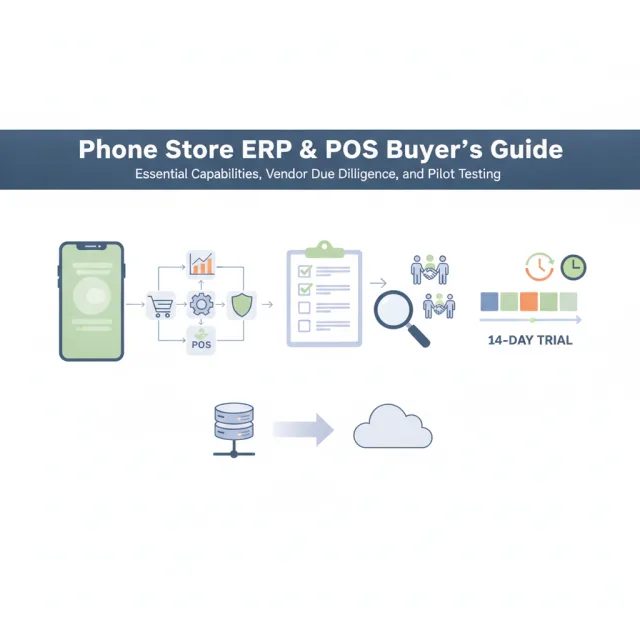
Never sign an annual software contract based on a recorded video walkthrough. Take advantage of a no-obligation trial period to pilot the software in a controlled sandbox environment. Follow this four-stage testing sequence:
Phase 1: Ingest Mixed Inventory (Days 1–3)
Upload a test batch of fifty serialized smartphones (complete with both IMEI 1 and IMEI 2) alongside two hundred barcoded accessories (screen protectors, cables, cases). Verify how quickly your barcode scanner registers accessory items and evaluate whether the system catches duplicate serial entries.
Phase 2: Simulate Counter Edge Cases (Days 4–7)
Process a series of complex sales transactions: an accessory bundle paired with a phone sold on an installment plan, a partial split payment between card and cash, and a customer return. Open a mock repair ticket, assign a replacement screen from inventory, assign it to a technician, and close the job card to test invoice generation.
Phase 3: Multi-Location and Auditing Stress Test (Days 8–11)
If you operate multiple shops or plan to open a second store, create two branches in the test portal. Initiate a stock transfer of five devices from Branch A to Branch B. Confirm that inventory balances remain accurate at every stage of the transfer workflow and inspect the central audit log to verify that user actions are accurately timestamped.
Phase 4: Mobile Access and Emergency Scenarios (Days 12–14)
Log in using the vendor’s mobile application on both Android and iOS devices. Test scanning an IMEI directly using your smartphone camera, review the real-time financial reporting widgets, and check whether approval requests push immediate alerts to your screen when a cashier attempts a restricted action.
Evaluating iFoxPro for Your Phone Retail Operations
For independent retailers, multi-branch operations, and repair hubs seeking an industry-specific platform, iFoxPro delivers a dedicated cloud ecosystem designed entirely around consumer electronics retail. Built specifically for mobile phone shops and accessible globally, iFoxPro eliminates the need for messy workarounds.
The platform natively supports dual-IMEI tracking (IMEI 1 and IMEI 2) across the complete device lifecycle—from supplier purchase order to final customer invoice. It combines high-speed POS billing (thermal or A4 invoices, split payments, returns) with an integrated repair and service center module that tracks job cards, spare parts consumption, and technician performance. For stores offering credit, built-in customer ledgers handle installment sales with structured payment schedules.
Multi-location visibility is central to the system: managers can coordinate inter-branch stock transfers and view consolidated analytics across branches. On the go, store owners retain complete visibility through the iFoxPro mobile app for Android and iOS, featuring an integrated IMEI camera scanner, live dashboards, and one-tap approvals for transfers, discounts, expenses, and returns. Furthermore, every plan includes a dedicated, ready-made e-commerce website on your own domain that syncs live stock directly with the physical POS, supporting online orders, in-store pickup, and customer repair tracking by IMEI.
Under the hood, iFoxPro runs on a resilient 3-layer cloud infrastructure (NVMe primary server, real-time-replicated failover replica, and AES-256 encrypted versioned backups) targeting 99.9% uptime with TLS 1.3 encryption. As a GDPR-compliant data processor with complete audit logging, customer data remains secure. Transparent subscription tiers start at $29/month for the Starter plan (1 branch, up to 3 users) and $79/month for the Business plan (up to 5 branches, up to 15 users), alongside a custom Enterprise tier with unlimited branches and dedicated API access. Retailers can explore the full platform via a 14-day free trial with no credit card required, backed by complimentary setup and data migration assistance.
Making the Final Decision
Changing your store management software is an investment in your operational foundation. The ideal platform should not feel like an extra layer of administrative work; it should run quietly in the background, safeguarding your high-ticket inventory, empowering sales staff to serve customers rapidly, and providing leadership with clear financial clarity across every register.
Take your time shortlisting candidates, rely on rigorous real-world pilot tests rather than sales presentations, and prioritize platforms specifically engineered for the unique demands of mobile phone retail.